
.png?width=178&height=61&name=Logo%20Mobile%20(1).png)

FixedPlantIQ – Fixed Plant Performance Software
Developed by engineers with hands-on experience in mining and process plant operations.
The Product Overview
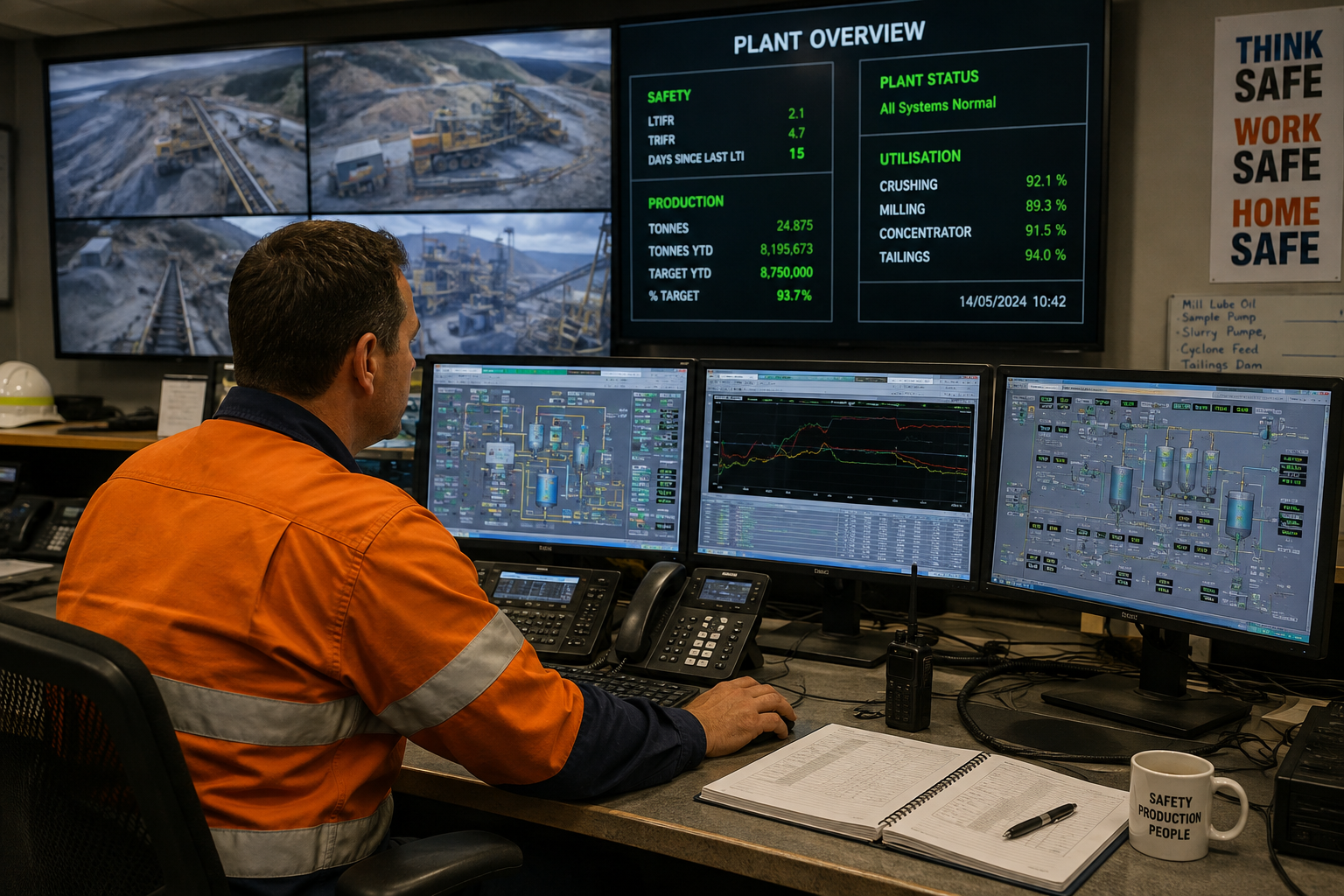
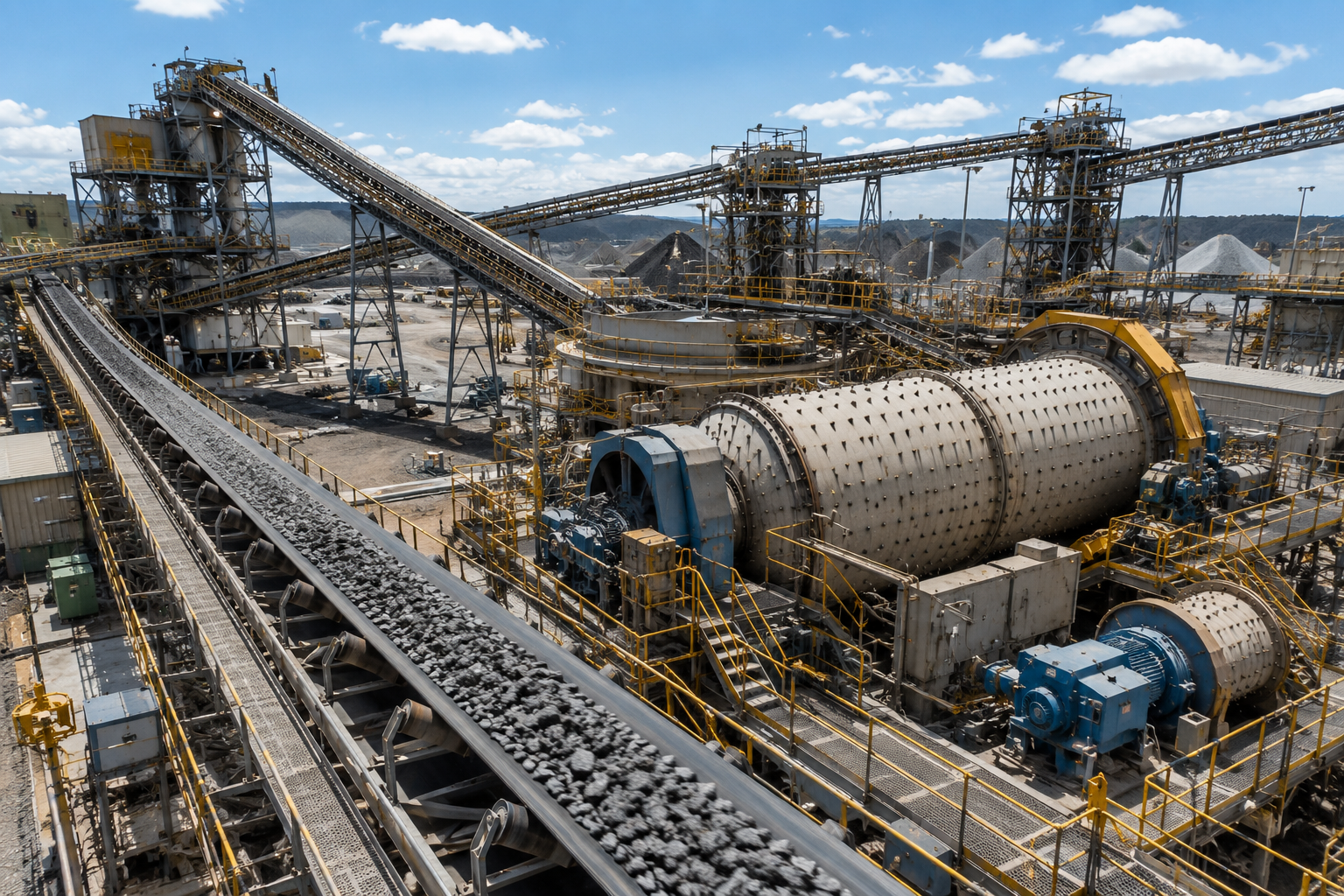
FixedPlantIQ is software designed specifically for monitoring and improving fixed plant performance.
It brings production, downtime, slow running, reliability, investigations and corrective actions together in one system, giving teams a connected view of plant performance and where improvement opportunities exist.
FixedPlantIQ uses data from existing plant systems to track production, detect downtime and slow running, measure lost operating time and identify recurring problems.
Significant events can be investigated through to root cause, with corrective actions assigned and tracked to completion, creating a permanent history of what happened and what was done about it.
FixedPlantIQ works alongside your existing plant systems without replacing your PLC, SCADA or historian infrastructure.
Software Modules
The Downtime Module
Identify where operating time is lost and why
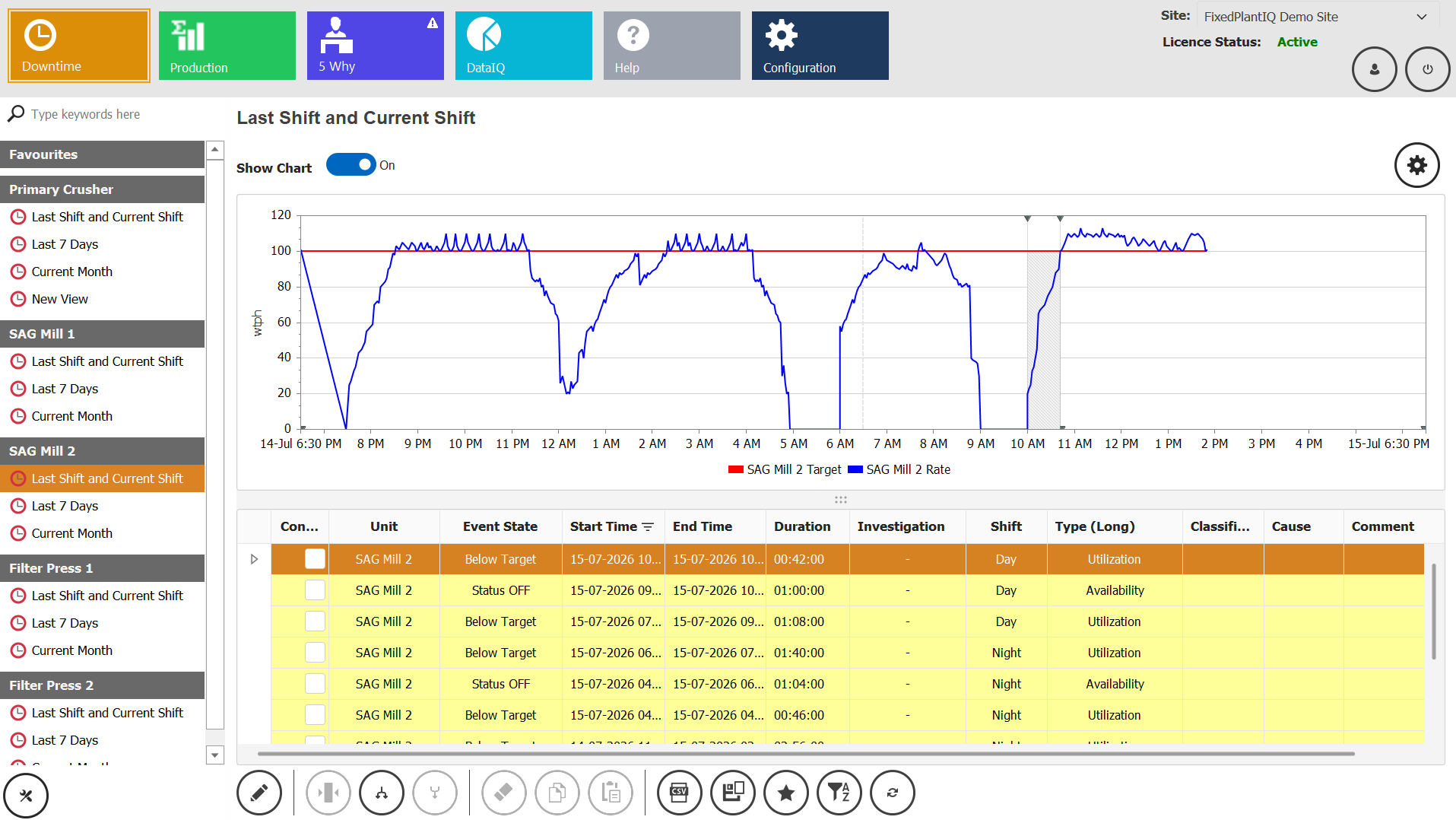
- Automatically detects downtime and slow-running events across the plant.
- Records when each event starts and stops, its duration and the operating time lost.
- Captures what happened and why using your plant's configured downtime and cause classifications.
- Automatically calculates availability, utilisation, uptime, MTTF and MTTR.
- Shows Pareto analysis, trends and event history so you can see the largest and recurring losses.
The Production Module
Know exactly how your plant is performing against plan.
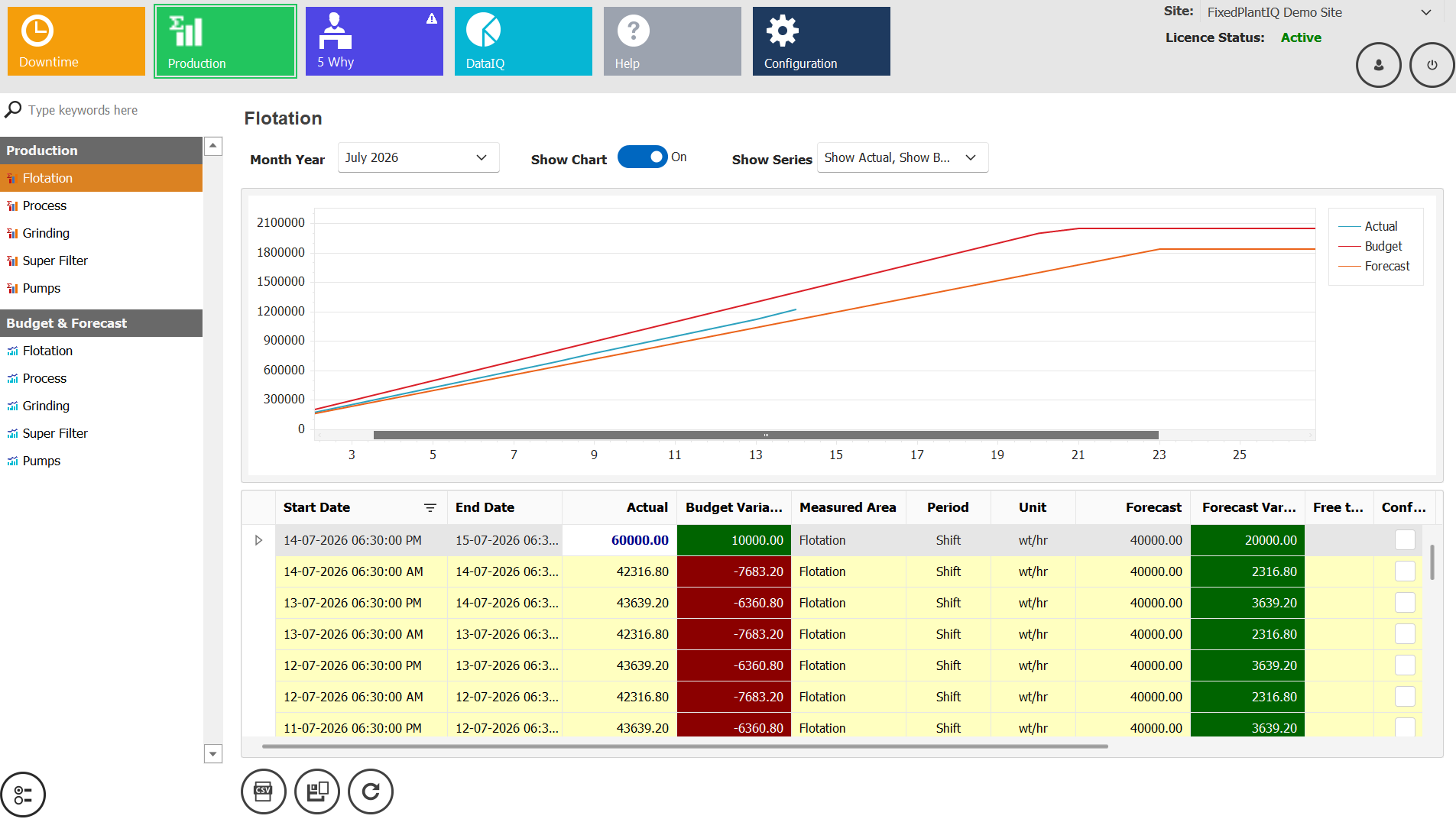
- Automatically tracks actual production across configured plant areas and processes.
- Compares actual production against budget, forecast and target.
- Shows production variance so you can immediately see where performance is ahead or behind plan.
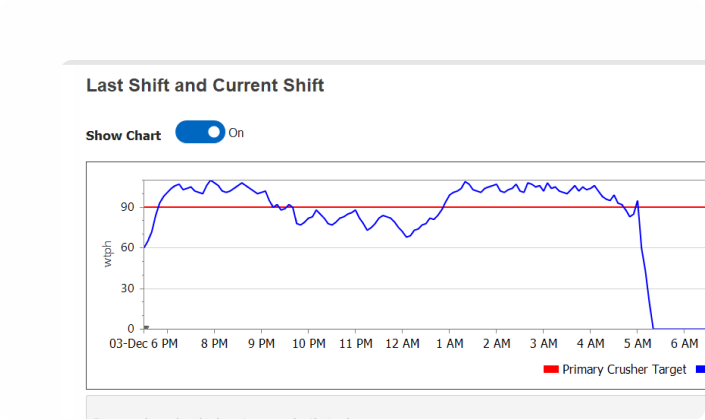
- Tracks production performance by shift, day, month and longer operating periods.
- Shows production trends and history so you can identify shortfalls, recurring losses and changes in plant performance.
The 5 Why Module
Turn recurring problems into lasting corrective action
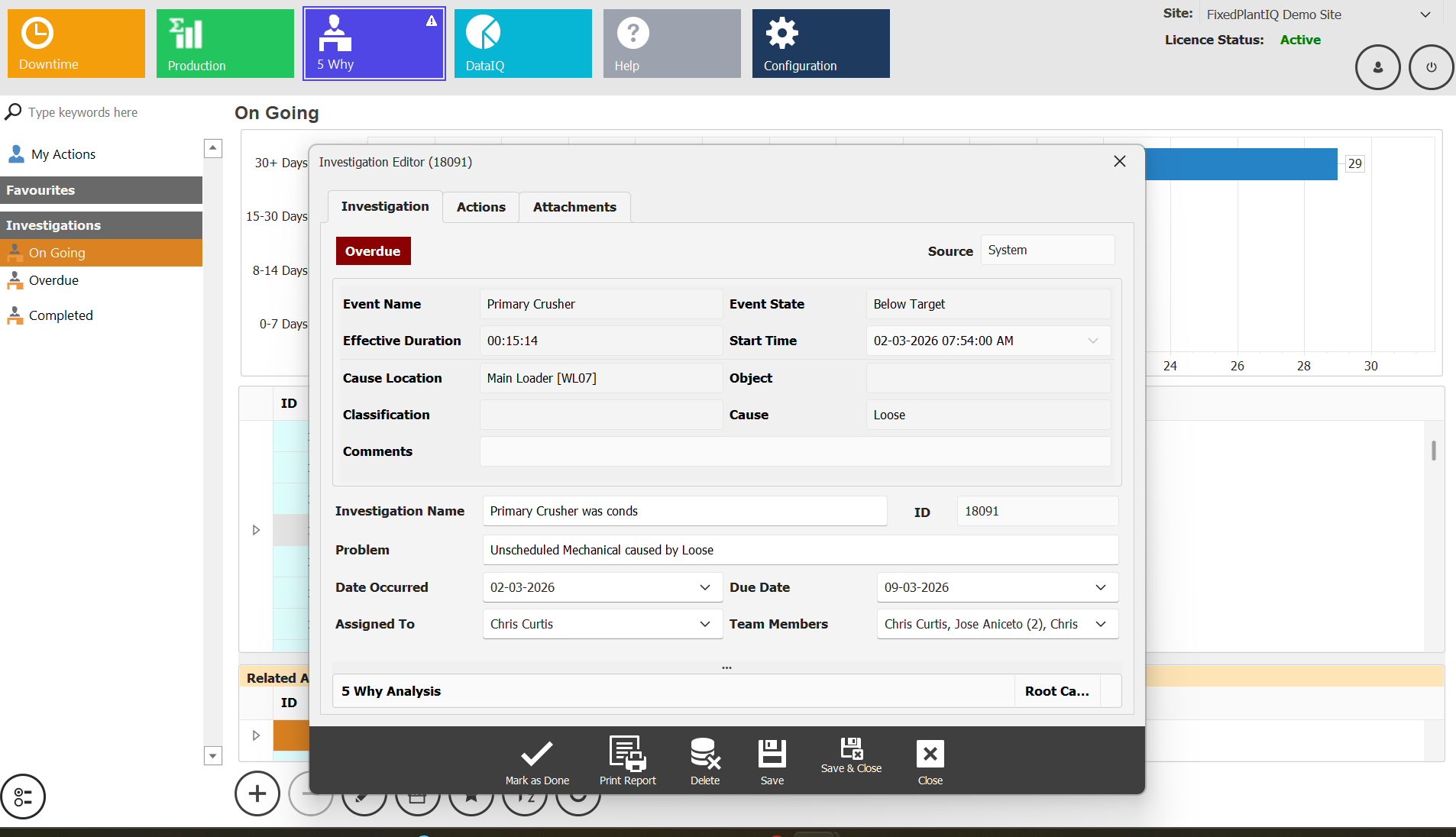
- Automatically triggers a 5 Why investigation when configured criteria are met.
- Provides a structured investigation process to work through each Why and identify the root cause.
- Links the investigation directly to the operational event that triggered it.
- Assigns and tracks corrective actions, owners, due dates and completion status.
- Retains completed investigations, root causes and corrective actions so previous problems and solutions are not lost.
The Data IQ Module
Turn plant performance data into clear improvement priorities
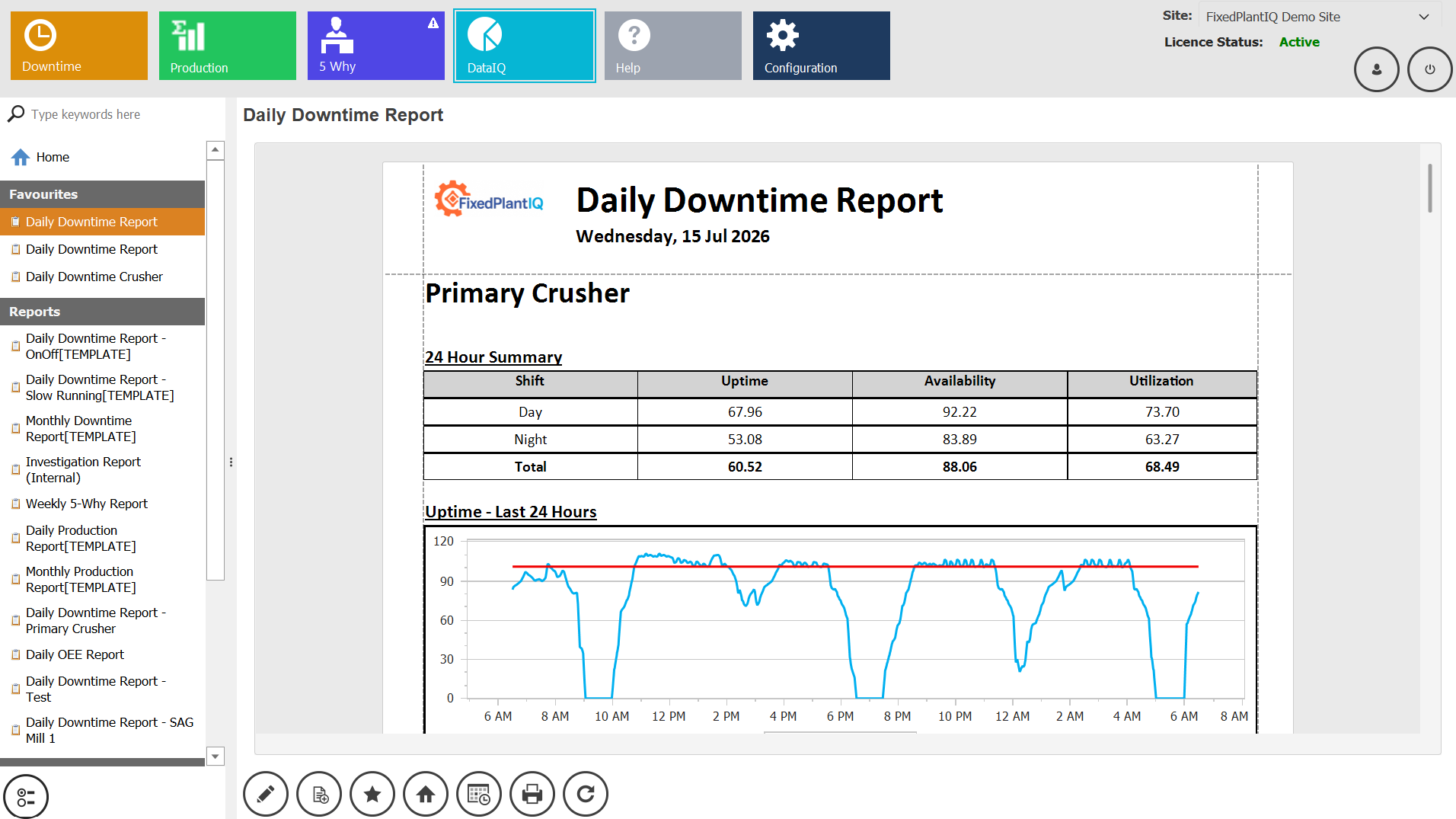
- Presents MTTF, MTTR, availability, utilisation and uptime so equipment and reliability performance is immediately visible.
- Shows downtime and slow-running Pareto analysis so you can see which losses are costing the most operating time.
- Shows actual production against budget, forecast and target so you can immediately see where performance is off plan.
- Shows recurring downtime, failures and performance losses over time so repeat problems are easier to identify.
- Automatically generates and distributes configured performance reports for shift, daily, weekly and management reviews.
The Configuration Module
Configure FixedPlantIQ around the way your plant operates
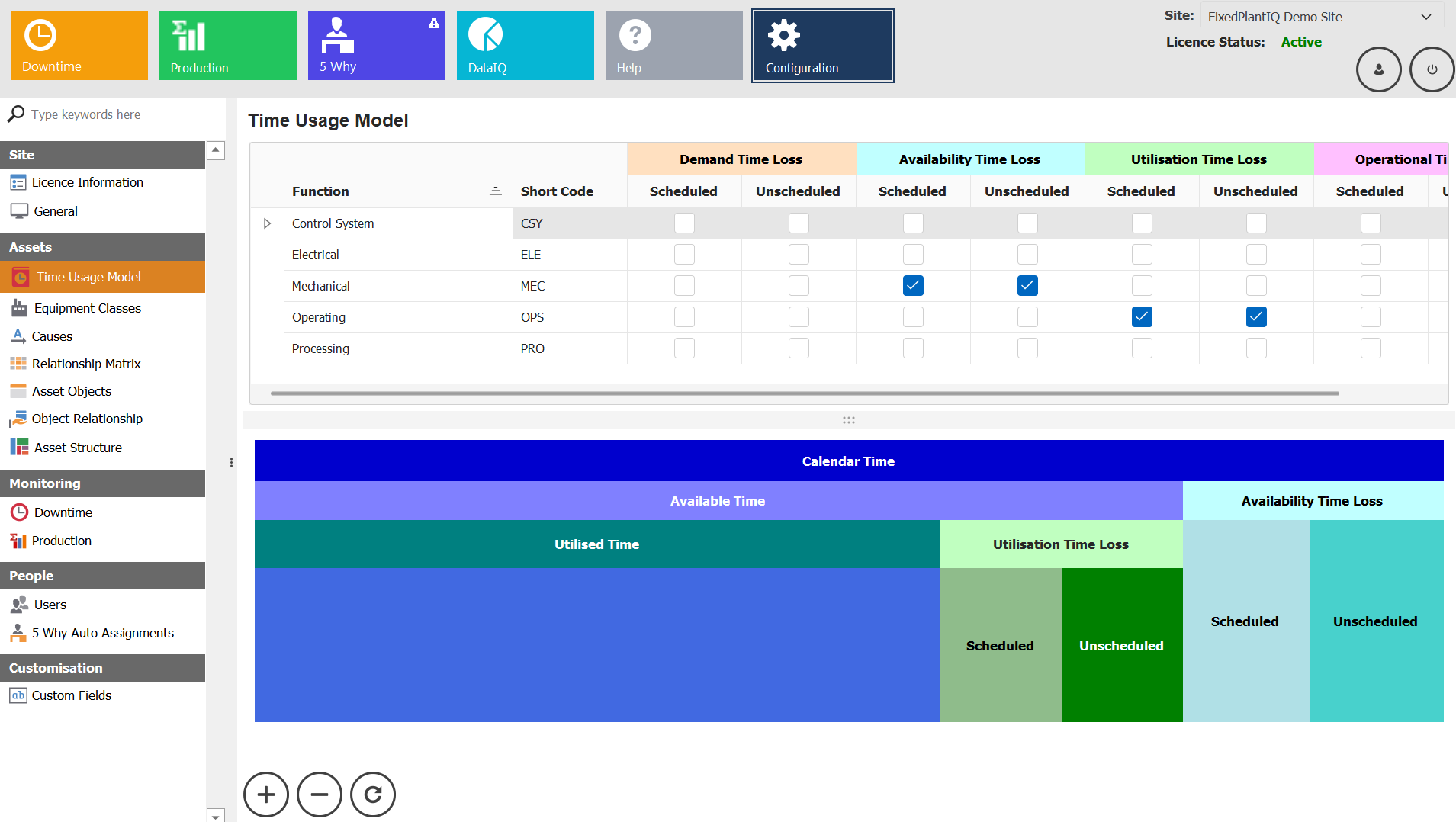
- Build your actual plant structure, from site and plant areas down to the equipment and measurement points you want to monitor.
- Set the production budgets, forecasts, targets and operating limits your plant measures performance against.
- Configure downtime, slow-running, failure and cause classifications to match the terminology your operation already uses.
- Set the rules that determine when events are created and when problems automatically trigger an investigation.
- Control users, permissions and access so the right people can view, review, investigate and manage the information relevant to them.
The Help Module
Give your team the answers they need to keep working
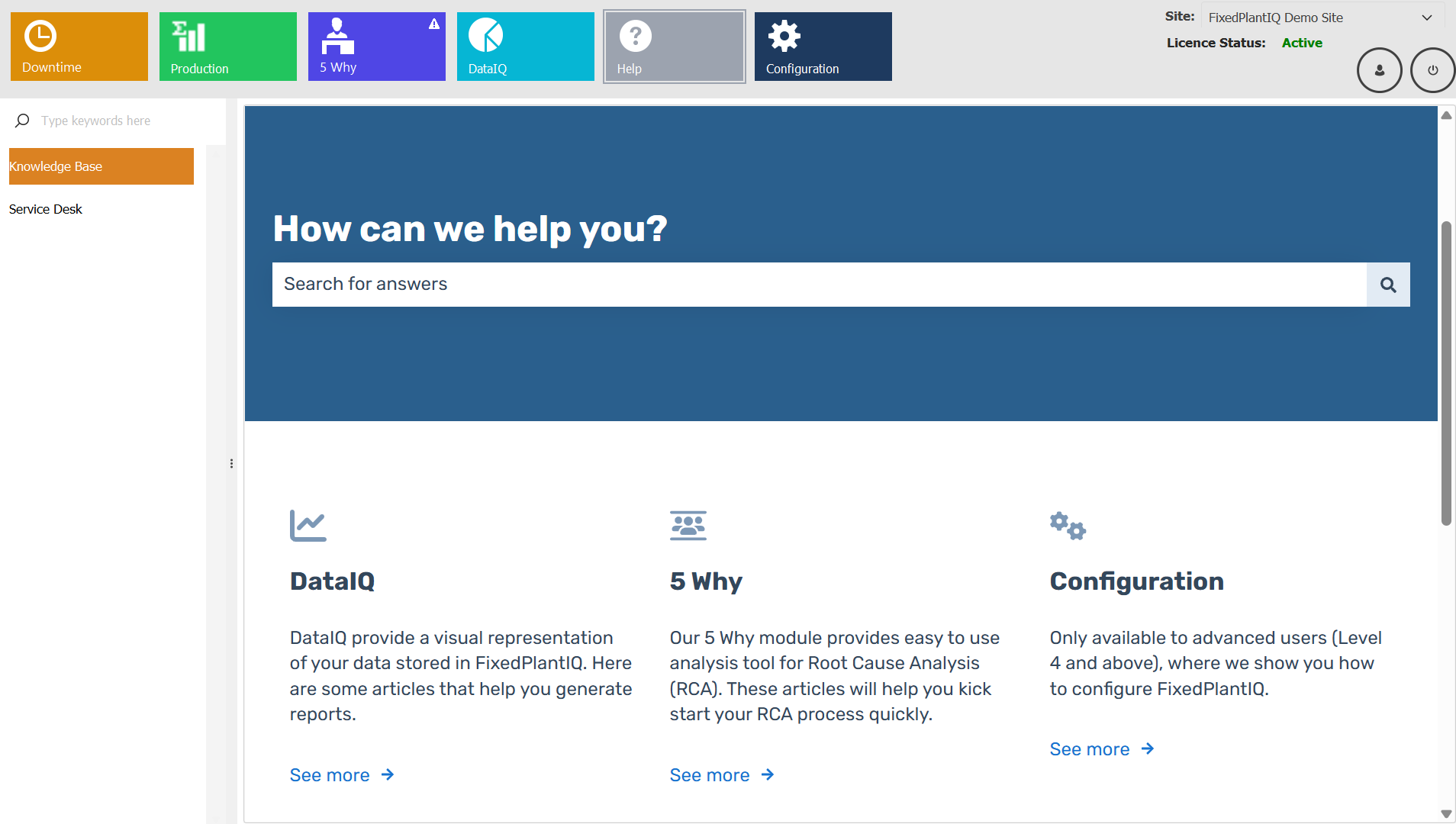
- Provides an integrated Knowledge Base with practical guidance for using FixedPlantIQ and its modules.
- Gives users clear step-by-step instructions for completing common tasks and system workflows.
- Provides searchable help so users can quickly find answers without having to contact support.
- Provides administrators with guidance for configuring, maintaining and managing FixedPlantIQ within the operation.
- Directs users to FixedPlantIQ support when a software issue or question requires additional assistance.
%20(1).png?width=705&height=420&name=Frame%201000008968%20(6)%20(1).png)
.png?width=500&height=289&name=Frame%201%20(2).png)
%20(1).png?width=705&height=420&name=Frame%201000008968%20(11)%20(1).png)
-1.webp?width=705&height=420&name=Frame%201000008968%20(5)-1.webp)
Ready to Unlock More From Your Existing Plant?
See how FixedPlantIQ can identify your biggest production losses, recurring problems and opportunities to improve plant performance.