
To edit an investigation that's already been filled out, double click on the investigation. You'll be able to edit the investigation section but not the event section.
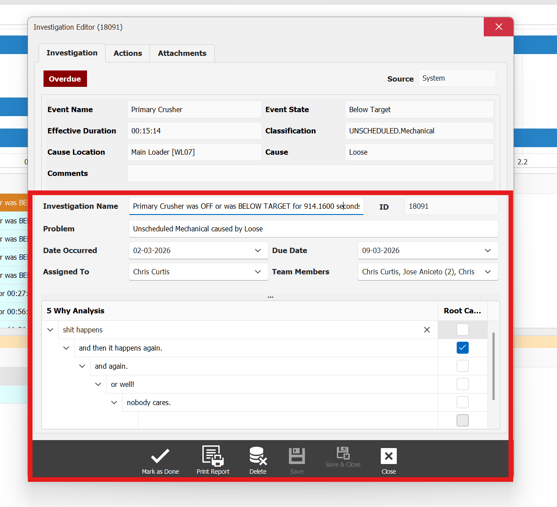
Once finished editing investigation insure you click the save button to insure changes are saved.
If the user wishes to delete an investigation from 5 why there must be no action assigned to it, if there is you'll have to delete the action first. to find out how to delete a action click here.
If the investigation does not have an action assigned or has been removed. we can now select our investigation by left lcclicking on it and press the - icon to delete investigation.
