How to modify a viewer filters and change to desired settings in Downtime.
At the bottom of the Downtime page locate the filters button.

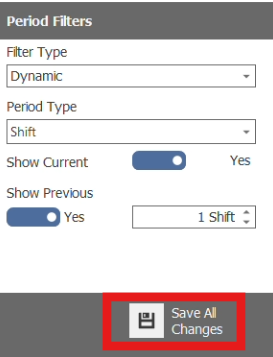
After adjusting filters, locate the save button at the bottom of the filter page.
How to add saved filters to favorites
Once finished editing and saving view filters. locate the Favorites button beside the filter button at the bottom of the page.

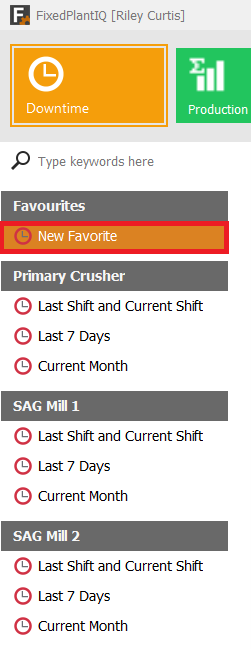
you'll find your new saved filter under the Favorite tab located on the left side of the users screen.
How to delete saved favorites
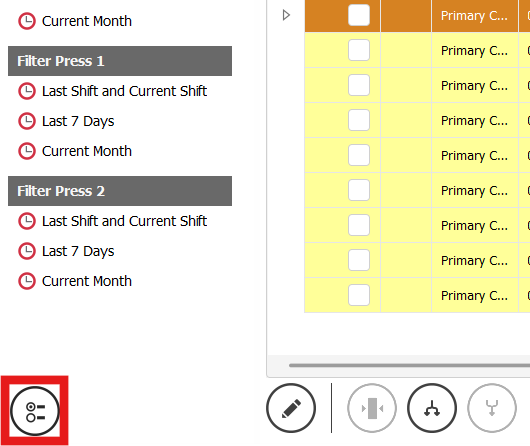
located the Manage Shared Views button in the left corner of the Downtime screen.
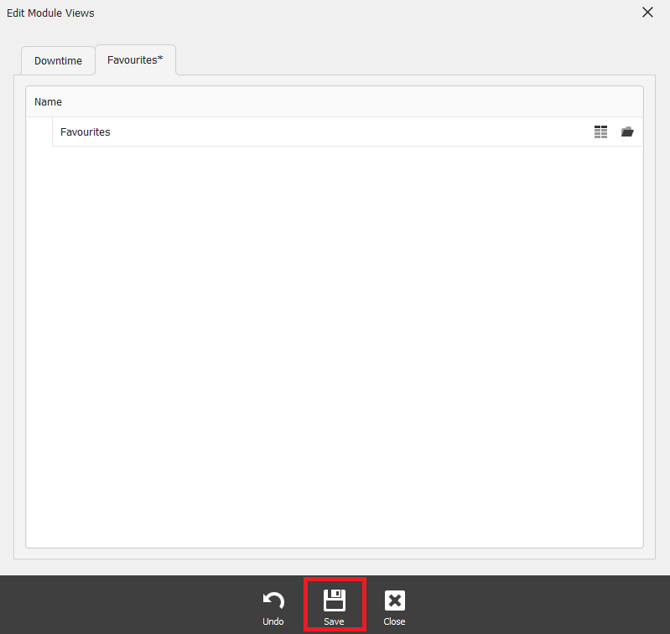
Once the Edit Module Views tab opens, navigate over to the favorites tab.
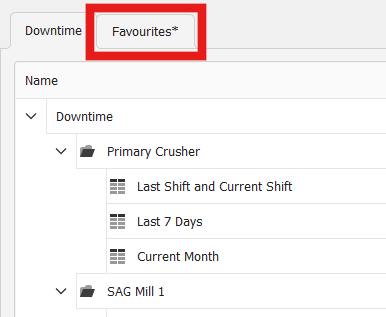
After entering the Favorites tab, locate the saved favorite you'd like to remove and press the X icon to remove it.
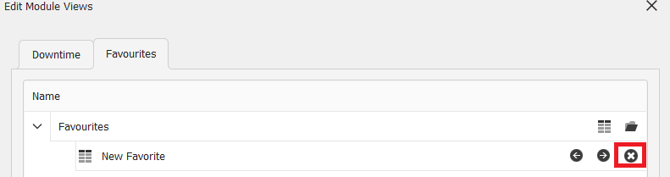
After removing the Favorite from your list, to insure the change is saved. locate the save button at the bottom of the Edit Module Views tab.