
Overview
There is no limit to the number of FixedPlantIQ installation.
FixedPlantIQ allows concurrent users based on your licence. For example, a single User Pack allows for five (5) concurrent users to login.
1. Locate and select the User
-
Click on the Configuration from the Top Menu.

-
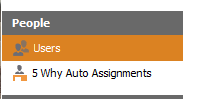
On the left panel, select People > Users
-
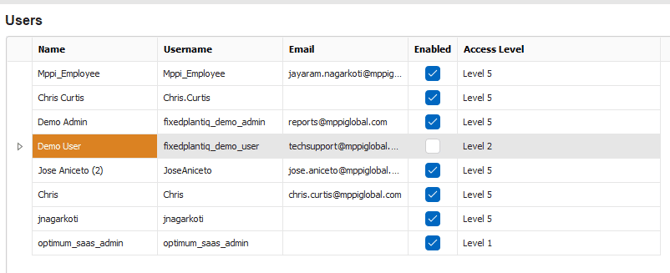
Select the user from the data grid.
2. Configure the User
Double click on the record from the data grid.
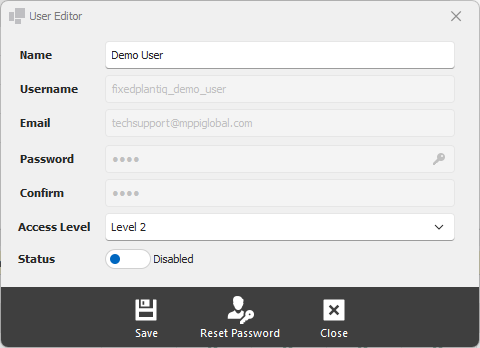
Name - name of the user. This is a free text format and can include Employee ID if desired.
Access Level - select the access level for the user. Consult the chart to see what different access levels are allowed to do.
Status - specify the user's login status. You have two options:
-
-
Enabled - allows the user to login
-
Disabled - does not allow the user to login
-
3. Save the configuration
Click on the Save button at the bottom of the window.