To adjust filters so only investigations assigned to specific users or only show investigations that where entered manually for example, locate the filter button at the bottom of the 5 why tab and left click on it.

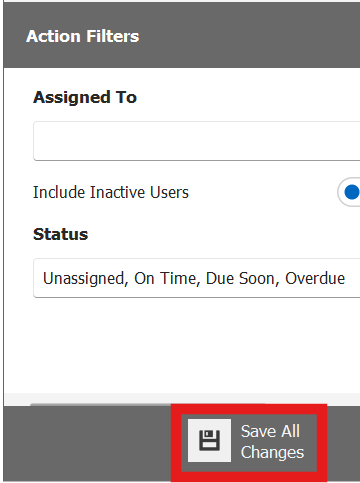
Once the filter page has popped up, you are now able to adjust any of the filters to suit the user.
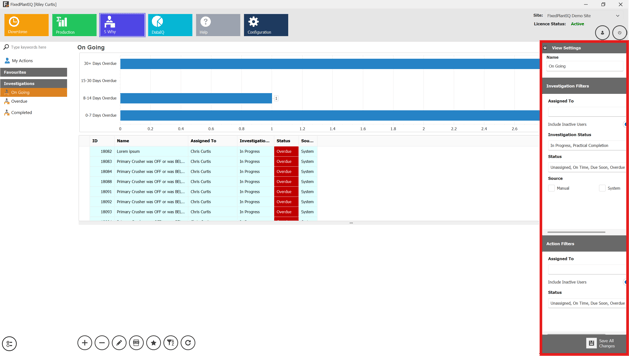
To insure filters take affect, make sure the click the save button located at the bottom of the filters tab.