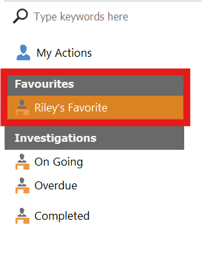
Once the user is finished editing filters to their liking. you can now save to the favorite tab. locate the favorite tab at the bottom of the 5 why page.

Now that you've selected the favorites button, a new favorite will be save. making it easier for the user to quickly apply filters they use frequently.
 To remove a saved favorite, locate the Manage View button in the bottom left corner of the 5 why tab.

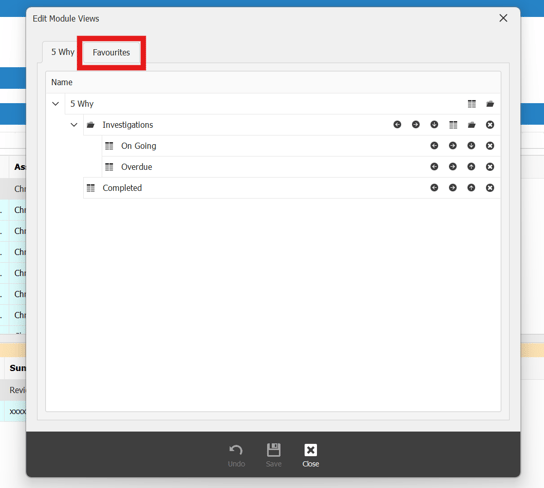
Once the Manage View tab opens, locate the favorite tab.
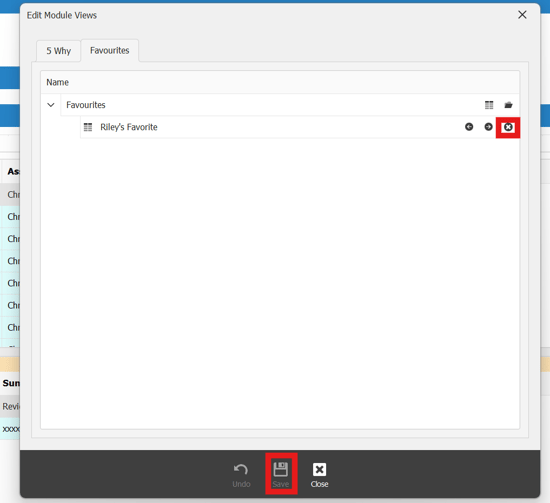
Once in the favorite tab, locate the favorite you'd like to remove. press the X icon next to it, once removed insure you press the save button for action to take effect.