1. Select the 5 Why Module
From the Top Menu, Select 5 Why.

2. Locate the Investigation
You may locate or create an investigation as follows:
-
Locate an existing Investigation
- In the Investigation Views panel (left side), browse to the required investigation
- Create a new Investigation
- If the investigation does not exist, create a new one. (Refer to the How to Create a Manual Investigation)
3. Select the Investigation
Click the investigation to highlight it in the data grid.
4. Open the Investigation in the Investigation Editor
You may open an investigation using either method:
- From the Edit button:
By clicking on the edit icon at the bottom panel. - From the data grid:
Click the investigation directly in the data grid.
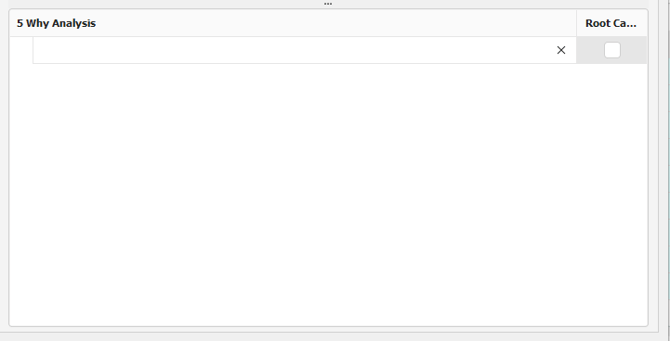
5. Enter the 5 Why Analysis information
- Scroll to the 5 Why Analysis section at the bottom of the Investigation Editor
- Enter the first Why? in the available input row.
- After entering a response, an additional indented row will automatically appear for the next Why?.
- Continue entering subsequent Why? responses as required.