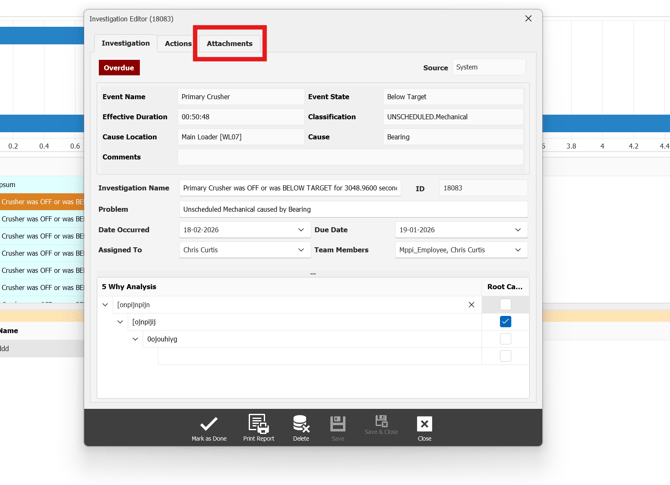
to add attachments, in particular photos to support investigations. to locate the attachment section, double click on your investigation. locate the attachments tab in the investigation editor tab.
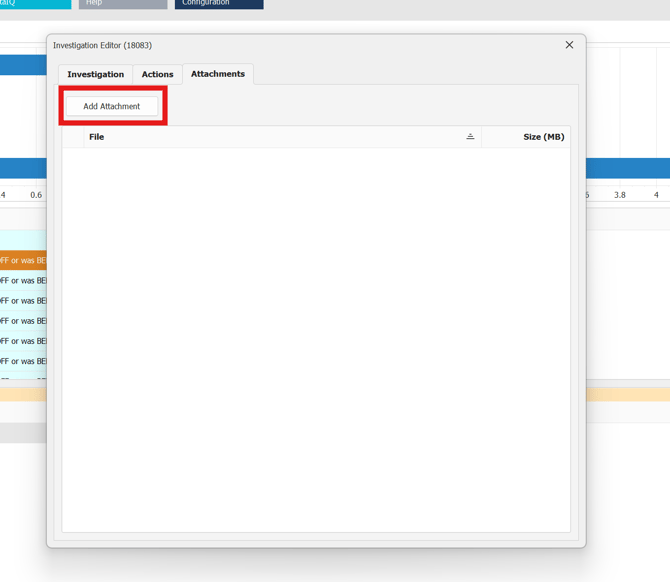
Once your in the attachments tab. locate the add attachment button, add any local file to support investigation outcome.
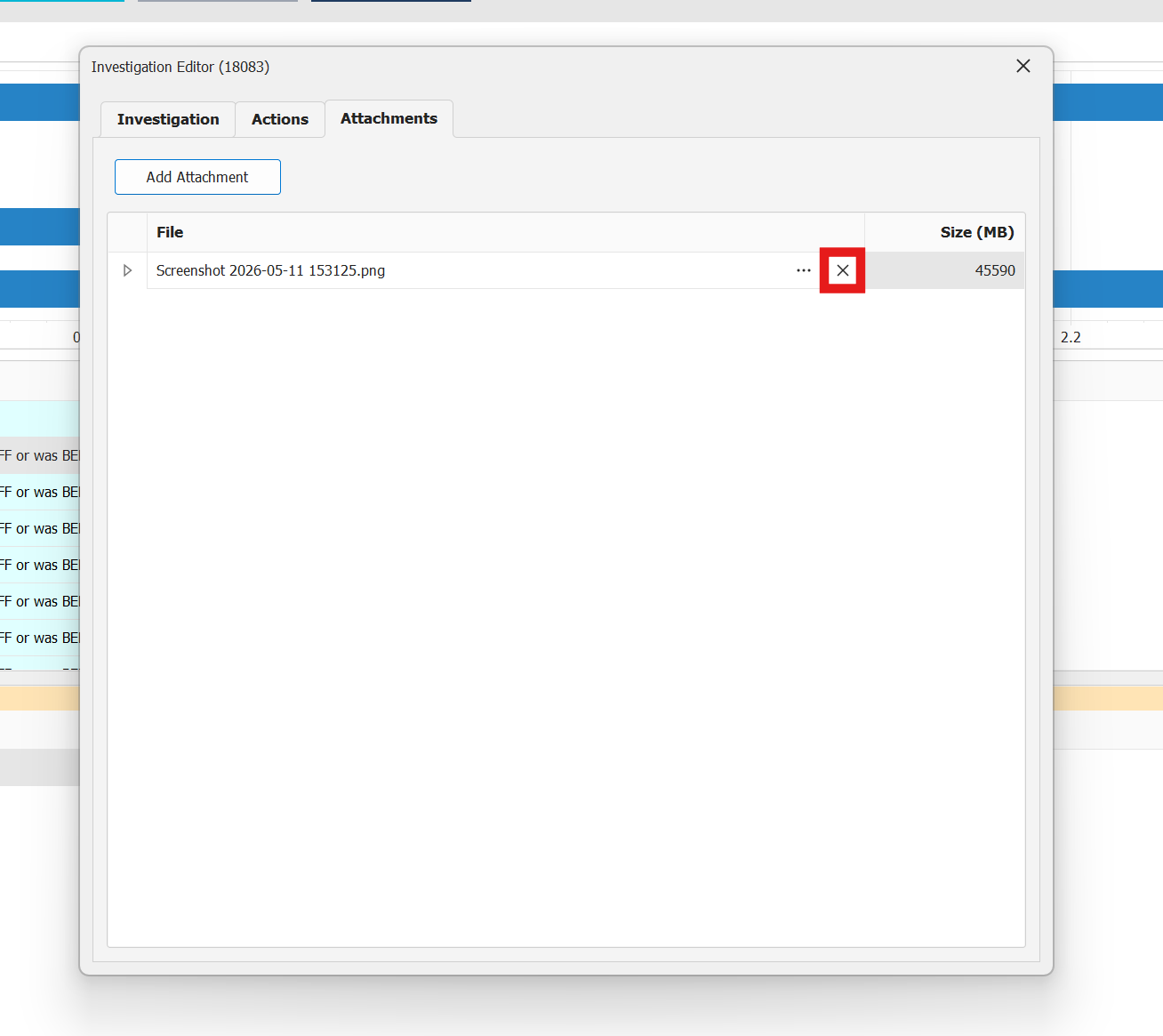
To remove any attached files locate the X icon next to the file and click on it to remove.