How to modify a viewer filters and change to desired settings in Downtime.
The filters are located on the right side of the page.
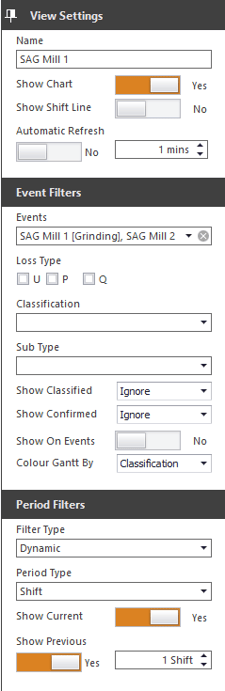
After Adjusting Filters
located in the bottom right of the screen is the save changes button  . After saving changed filters you have the option to make it the default page when opening downtime by selecting the set as home view button
  . Additionally the user can save a copy of the view as a favorite by selecting the save favorites button
  .
.
How to delete saved favorites
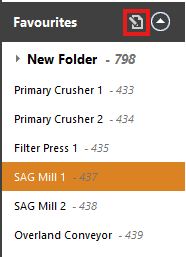
located the Edit Favourites Page button in the left corner of the Downtime screen .
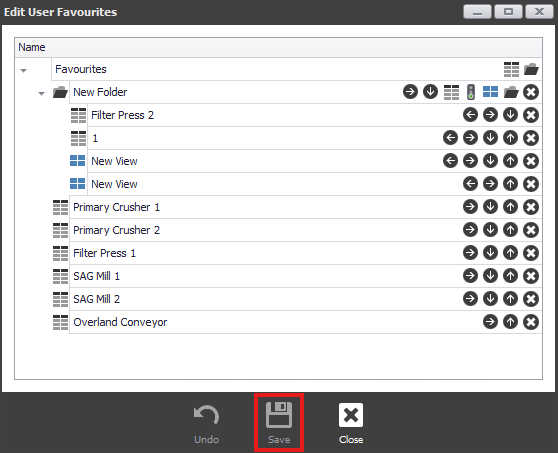
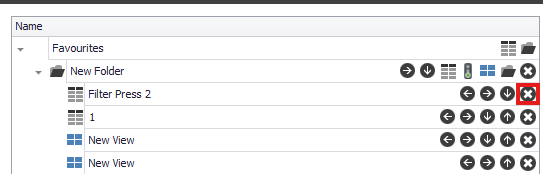
Once the Edit Favourites Page tab opens, select the X icon on the favourite you wish to delete.
After removing the Favorite from your list, to insure the change is saved. locate the save button at the bottom of the Edit Module Views tab.