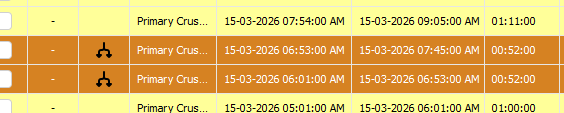
1. Locate the classified event
Find the classified event in the data grid.
2. Split the event
You can either split the event in two ways:
-
Right -click on the event and select Split from the menu.
-
Click on the Split button
 from the button panel at the bottom of the screen.
3. Configure the type of Split
Events can be split in two ways:
- Split by Time - To split by time, either drag the slider at the bottom of the graph or enter the time split.
- Split by Depth - To split by value, either drag the slide on the right or enter the split value.
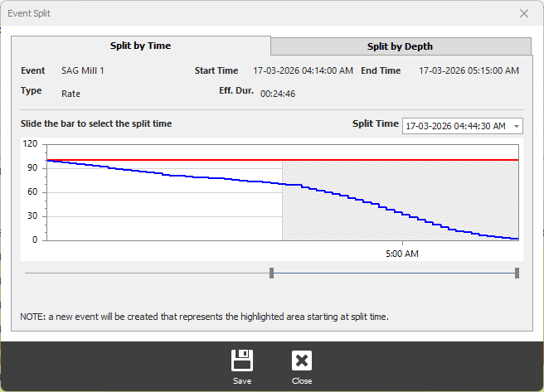
4. Save the Split
Click on the Save button at the bottom of the Window to apply the split choices.
Split events will be displayed with the split symbol.