
1. Locate and select the DataIQ Report

2. Open the Report Schedules Window
Click on the schedule icon  at the bottom of the Window.
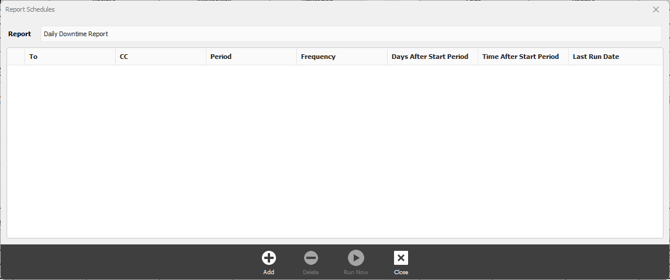
3. Click Run Now button.
FixedPlantIQ will schedule the report generation as soon as possible. The time will depend on how busy the system is but usually happens within the minute.