
1. Locate and select the desired Investigation for reporting.

2. Open the Investigation Editor
Double click on the investigation row form the data grid.
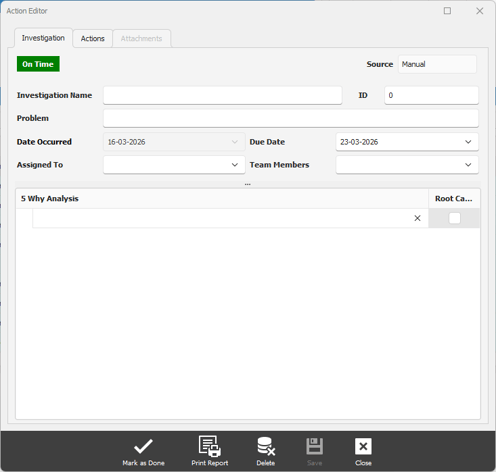
3. Click on the Print Report button.
4. Save the report
The report will be generated in PDF and a save window will appear.