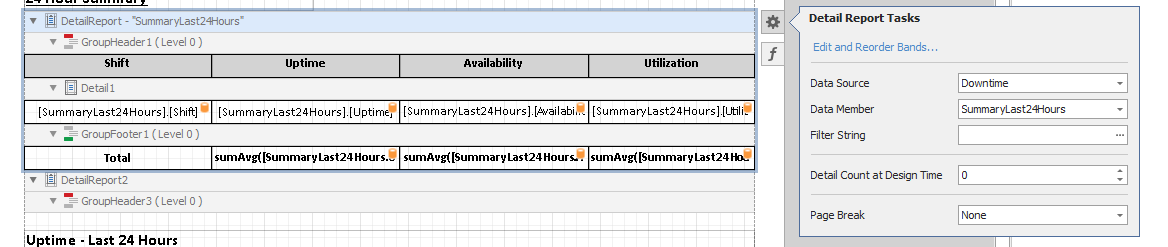
1. Locate and Open the report in the Report Designer
-
Related to (How to create a DataIQ Report)
2. Verify that the Field List is shown
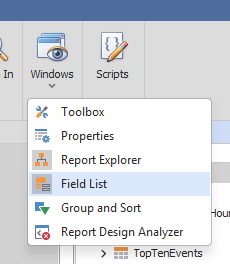
Usually on the right side panel. If the Field List is missing, follow these steps to display the Field List
1. Click on the Windows menu on the Ribbon bar.
2. Select the Field List menu
3. Drag and drop the desired field on the report.
Depending on which section the report the field is dropped, ensure that the Data Source is set correctly.
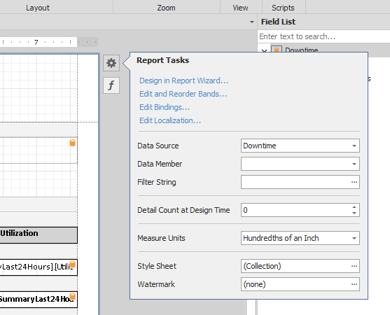
On Report Level
Click on the page and then click on the gear (Report Task) which appears on the top right of the page.
On Band Level
Click on the band and then click on the gear (Detail Report Task) which appears on the right of the band.