
1. Open the Module View Editor
Click on the Manage View icon  , which is located at the bottom of the View Navigator.
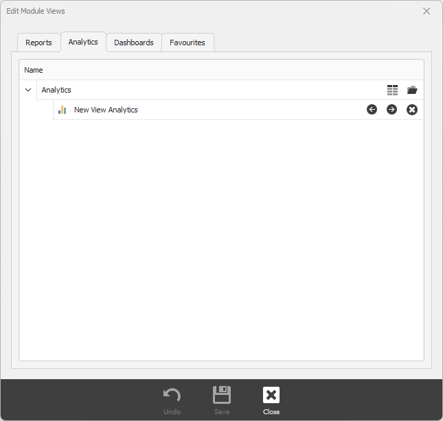
2. Select the correct DataIQ view (Analytics)
Click on the Analytics tab
3. Create a new DataIQ Analytics
Click on the New View icon  to create a new Report. A new view will be created at the bottom of the list.