1. Select the Configuration module

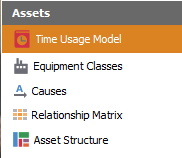
2. Select the Time Usage Model view
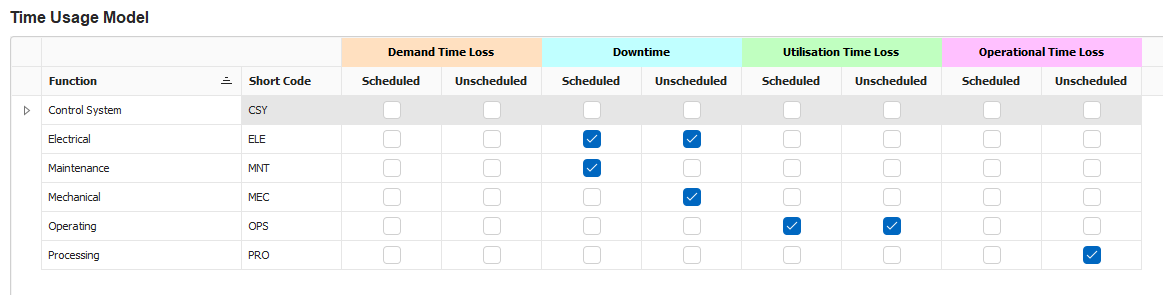
3. Configure Time Usage Model
-
-
To add a new Function, click on the Plus button at the bottom of the Window.
-
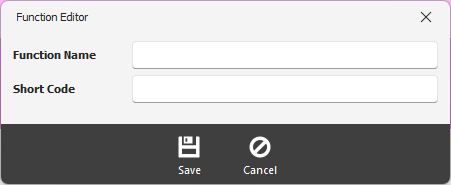
This will bring up the Function Editor.
Function Name - enter the name of the functional area
Short Code - provide a short code
Click on the Save button when finished.
Click on the checkbox to specify which time loss the function applies.