
1. Select the Configuration module

2. Select the General view
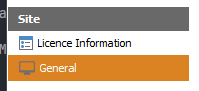
On the left panel, select Site > General
3. Configure Shift information
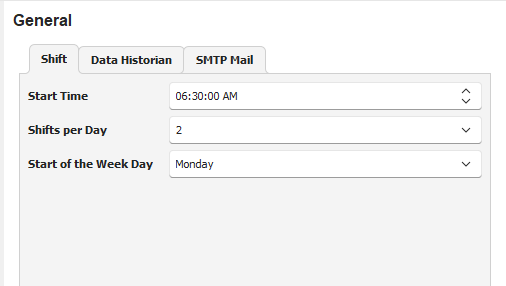
Start Time - Enter the time the day shift starts
Shifts per Day - Enter the number of shifts in a 24-hour period
Start of the Week Day - Select the starting week day
4. Save configuration
Click on the Save button to save the configuration