
1. Select the Configuration module

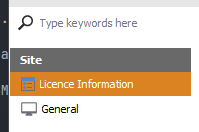
2. Select the Licence Information view
On the left panel, select Site > Licence Information
3. Configure Site information
Click on the Site tab to configure your site information.
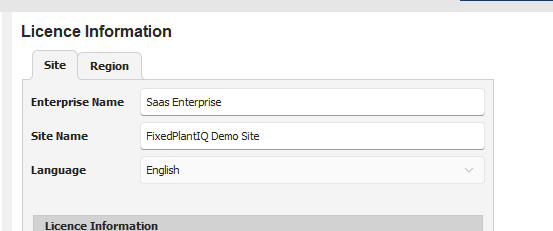
Enterprise Name - enter the name of the company or enterprise
Site Name - enter the name of the site
4. Configure Region
Next, click on the Region tab to configure regional settings.
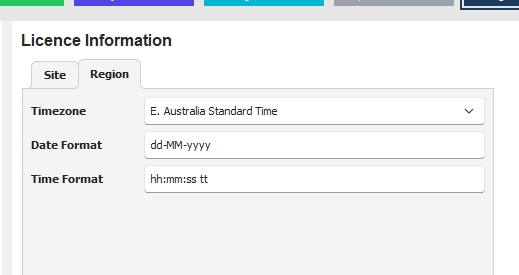
Timezone - select the timezone of the site
Date Format - enter the preferred date format
Time Format - enter the preferred time format
hh - 12 hour clock
HH - 24 hour clock
tt - shows AM/PM (remove if you have 24 hour clock)
5. Save configuration
Click on the Save button at the bottom of the Window.