
1. Select the Configuration Module

2. Select the Equipment Classes
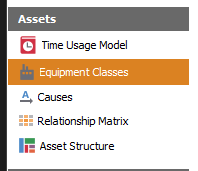
On the left panel click on Assets > Equipment Classes
3. Configure the Equipment class
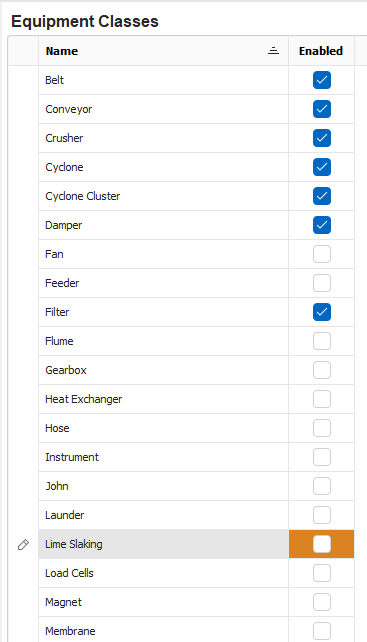
Select the desired Equipment class to enable. Click on the checkbox to enable.
If the Equipment class is missing, you may click on the Plus button to add a new Equipment class.
A delete option is provided to remove and clean the list. To delete an Equipment class, click on the Minus button at the bottom of the Window.