
1. Locate and select the Downtime unit
-
Click on Configuration from the Top Menu.

-
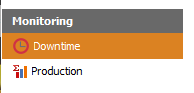
From the left panel select Monitoring > Downtime
-
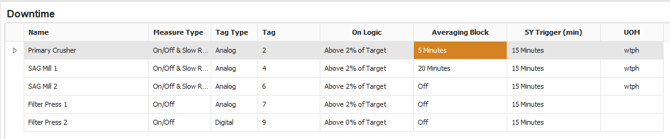
The number of units will be shown, depending on your licence.
2. Configure the Downtime unit
Double click on the unit from the data grid.
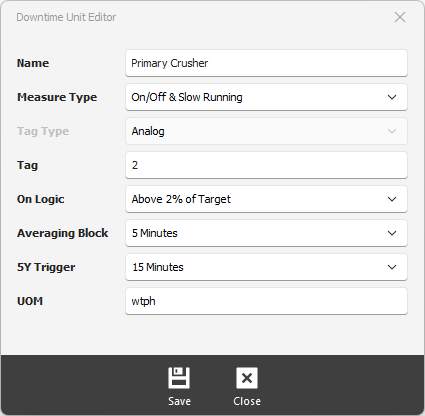
Name - enter the name of the unit.
Measure Type - select the type of measurement FixedPlantIQ will be monitoring. You have two options:
-
-
On/OFF - status
-
Slow Running (includes ON/OFF)-rate
-
Tag Type - You have two options:
-
-
Analog - only option if Measure Type is Slow Running
-
Digital - for binary type signal a vale more than 1 is considered to be ON.
-
Tag - the tag to use and search data from the Data Historian
On Logic - For Downtime units that have Analog signals, pick a value of that represents an ON status.
Averaging Block - For noisy signals, use averaging block to smooth out the signals. A noisy signal will trigger false events.
5Y Trigger - When an event is classified, FixedPlantIQ will trigger a 5-Why investigation based on this parameter.
UOM - unit of measure used by the Downtime Unit.
3. Save the configuration
Click on the Save button to apply the changes.