
To edit site and region details, first head over the configuration tab. Once in the configuration tab left click to select License Information section.
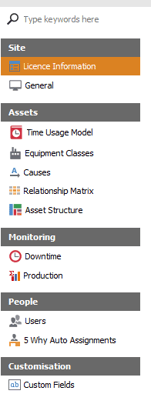
After entering License Information section you'll be brought to the Site page, allowing you to adjust site details manually. To ensure new site details are implemented press the save button located at the bottom of the viewer.

To edit Region details select the region tab inside of License Information.
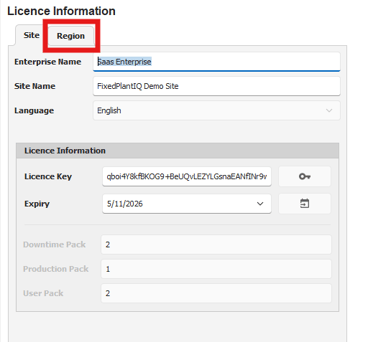
Once inside the region tab the user will be able to edit Timezone, Date Format and Time Format. To ensure new details are implemented select the save button once done editing.