
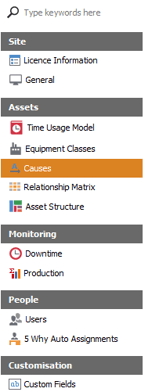
To add a cause first enter the Configuration tab. select causes.
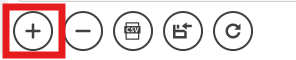
Once in the causes section, select the Add Record button located at the bottom of the viewer.
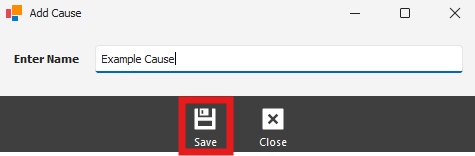
After the Add Cause pop up appears, fill in the new cause. Ensure you click save so the new cause appears.
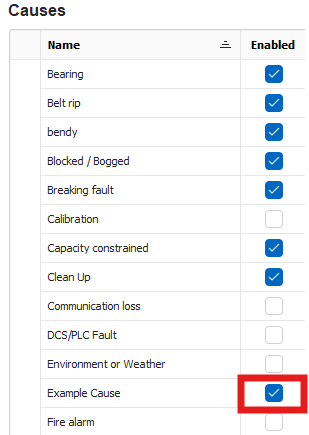
After the cause is added, ensure it is Enabled as an option.
To remove a cause highlight it by left clicking on the cause you'd like to remove. once highlighted click on the Delete Selected Record button to remove it.