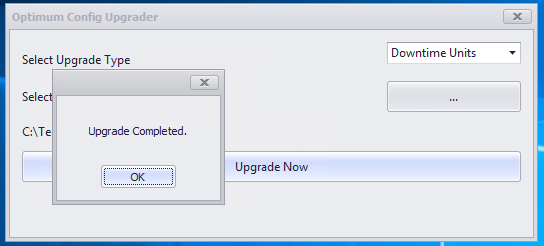
1. Find the template for downtime csv from the following location.
OneDrive - MPPIglobal\Chris Curtis's files - 8 Project & Configuration\Team - Support\Upgrades\Template Docs
2. The template document for downtime is as below
3. To add a new downtime unit copy the template to your machine and populate the fields as below:
- Model ID: find the max model id and add 1 if it is a new model otherwise get the model id for existing model
- Enterprise ID: 6
- Site ID: 6
- Model Name: Name of the Model
- Model OEE: TRUE
- RosterID: 1
- Matrix ID:2
- Unit ID: Max unit id +1 (select (max(system_model_unit_id)+1 from system_model_unit)
- Unit Name: Name of the downtime unit
- Unit OEE: TRUE
- Status DP ID: 0
4. Once the file is ready save it and copy to batchfire application server
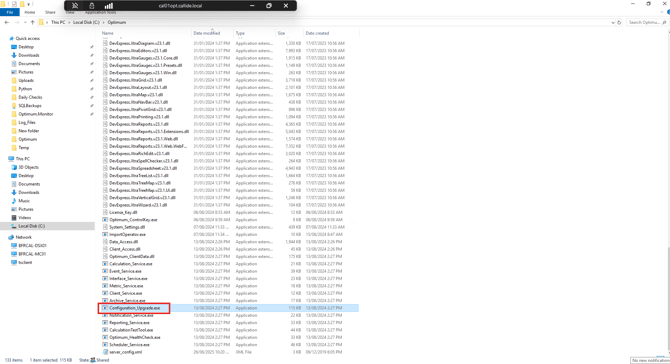
5. Find the Configuration_Upgrade.exe in Optimum Folder on the server and run it.
6. Select Downtime Units from the Upgrade Type and select the downtime csv file.
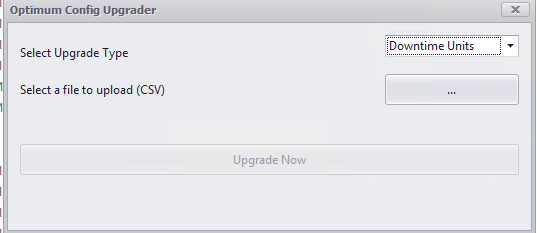
7. Hit Upgrade and the unit is added to the system.